


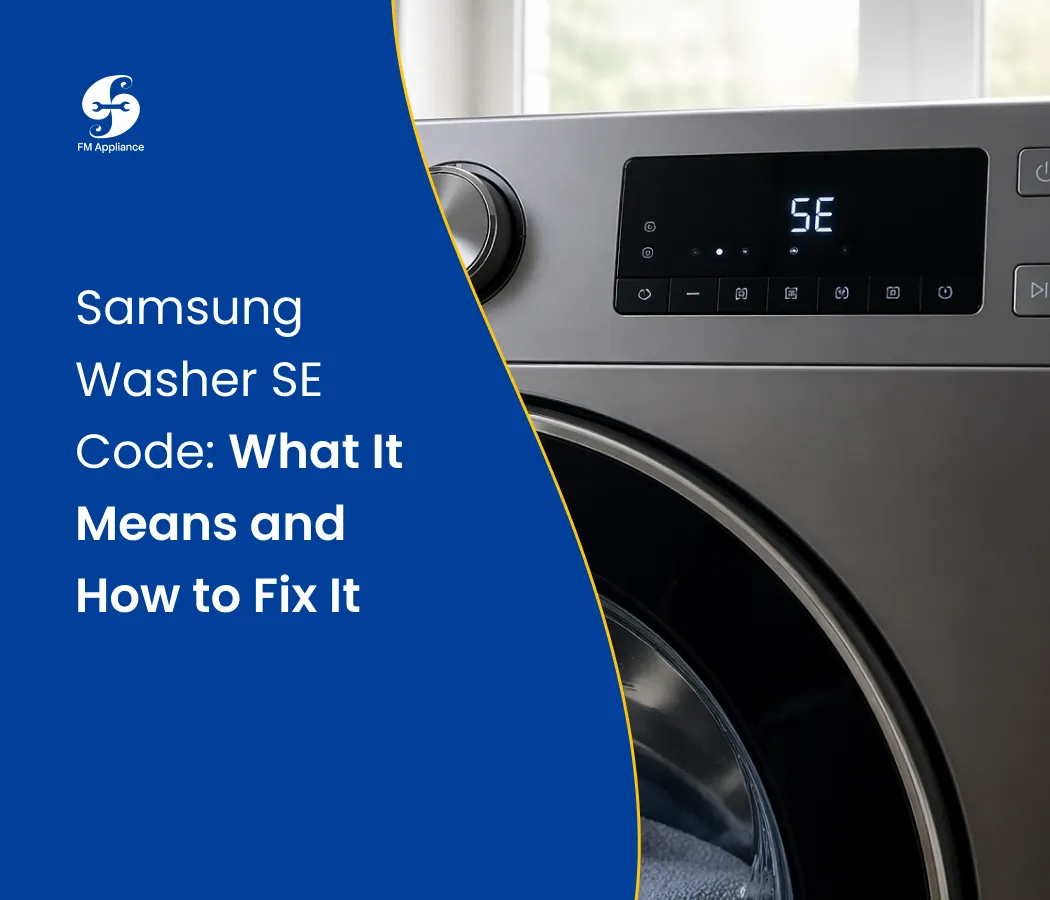
Samsung Washer SE Code: What It Means and How to Fix It
Quick answer: SE on a Samsung washer is a drain error: the washer couldn't pump the water out in time. On newer models the same error shows as 5E or 5C. The usual causes are a clogged debris filter, a kinked or badly placed drain hose, or too many suds. Clean the filter, check the hose, then run Drain/Spin. If the pump hums or stays silent and SE keeps coming back, the drain pump likely needs replacing.
The washer stops mid-cycle, the clothes are sitting in water, and the display reads SE. Some people read it as "5E" at first glance, and that's not a mistake: it's the same error.
SE is one of the codes I see most on Samsung washers around Charlotte. The good news is that most of the time it's a blockage you can clear yourself in 15 to 30 minutes, with a towel and a shallow pan. Below is the same order I check things on a service call.
What Does SE Mean on a Samsung Washer?
SE means the washer can't drain. During the drain phase, the washer checks that the water level is dropping. When it doesn't drop in the expected time, the washer stops and shows the code to protect the pump and motor.
Samsung's own support pages describe this drain code simply as "the water is not draining" and point to the drain hose and the debris filter as the first things to check (Samsung Support).
SE vs. 5E vs. 5C vs. nd: are they the same?
Yes, they all point to the same problem: water isn't draining. The code depends on the age and model of your washer.
Code | Where you'll see it | Meaning |
|---|---|---|
SE | Older Samsung washers | Drain error |
5E | Many Samsung washers from the last decade | Drain error |
5C | Newer Samsung models | Drain error |
nd | Some older top-load models | Drain error ("no drain") |
Samsung groups 5E, SE and E2 together as one drain error on its front-load washers (Samsung Support). The fix is the same whichever one your display shows.
One thing to know before you start: after a drain code appears, Samsung washers can lock the control buttons for about 3 minutes (Samsung Support). If the panel doesn't respond right away, wait a few minutes before you try again.
What Causes the SE Code?
Cause | How often I see it | Sign to look for | DIY fix? |
|---|---|---|---|
Clogged debris (pump) filter | Most common | Pump hums, water stays put | Yes, 15 minutes |
Kinked or badly placed drain hose | Common, especially after a move or new install | Washer recently moved or pushed back | Yes |
Too many suds | Common with non-HE detergent | Thick foam behind the door; may also show SUD | Yes |
Blocked household drain | Occasional | Water backs up the standpipe or sink | Plumber or drain snake |
Jammed or failed drain pump | Common on older washers | Humming, grinding or no sound at drain | Usually a technician |
Water level sensor or control fault | Rare | Filter, hose and pump all check out | Technician |
How to Fix the SE Code on a Samsung Washer
Work in this order. The first three steps fix most SE codes I see, and none of them need parts. Unplug the washer before opening any panel.
Step 1: Clean the debris filter (front-load models)
This is the most common fix. Samsung calls it the debris filter; it sits behind a small door at the bottom front of the washer (Samsung Support).
Unplug the washer. If it was running hot water, let it cool first.
Lay towels down and put a shallow dish or baking pan in front.
Open the small access door. Depending on the model, press it or pry it open with a coin.
Pull out the emergency drain hose next to the filter, remove its cap and let the water drain into the dish. Empty the dish as often as you need; there can be a lot of water.
Re-cap the drain hose and push it back in.
Turn the filter counterclockwise and pull it out.
Remove lint, coins, hair ties and small socks, and rinse the filter in warm water.
Wipe out the filter opening, put the filter back and turn it clockwise until it locks.
A tip from the field: a filter that isn't turned all the way back until it locks is one of the most common causes of a small leak after a DIY clean. Turn it until it stops.
Step 2: Check the drain hose
Pull the washer away from the wall and follow the hose from the machine to the drain.
Straighten any kinks, especially behind the washer.
Make sure the hose isn't pushed too deep into the standpipe. Samsung's guidance is no more than about 6 inches (150 mm) inside the standpipe, held in place with the hose clip (Samsung Support).
On a new install connected to a sink drain or spigot, check that the blanking cap on the drain connection was removed. It's a surprisingly common installation miss.
If you suspect a clog inside the hose, disconnect it and flush it with water.
Step 3: Clear excess suds
If you see foam behind the door, run a Rinse+Spin cycle without detergent until the foam is gone. Use HE detergent only, and less of it than the cap suggests. With the soft water in much of the Charlotte area, you need even less.
Step 4: Test your home's drain
Put the end of the drain hose into a bucket or bathtub and run Drain/Spin. If water pumps out strongly, the washer is working and the clog is in your house drain.
Step 5: Check the drain pump
Start Drain/Spin and listen at the bottom front:
Humming but no water moving: something is jamming the impeller. Look into the filter opening with a flashlight for a coin or piece of plastic.
Grinding: a damaged impeller or a foreign object inside the pump.
No sound at all: the pump motor, its wiring or the control board isn't working.
Replacing the pump means working inside a machine that may still hold water. If you're not comfortable with that, this is a good point to call a technician.
How to Reset the SE Code
A reset clears the code from the display, but it won't remove a blockage. Do it after the steps above.
Turn the washer off and unplug it, or switch off its breaker, for 5 to 10 minutes.
Plug it back in and turn it on.
Run Drain/Spin (or Rinse+Spin) with no clothes.
If the drum empties and SE doesn't return, you're done.
If the buttons don't respond right after the error, wait about 3 minutes; the washer briefly locks the panel after a drain code.
SE on Front-Load vs. Top-Load Samsung Washers
Model type | Where to look first | Notes |
|---|---|---|
Front-load (WF series) | Debris filter behind the bottom front door | Most SE codes on front-loaders are fixed at the filter |
Top-load (WA series) | Drain hose, suds, lid lock | Many top-loaders have no filter you can reach from the front; check your manual before removing panels. Older top-loaders may show "nd" instead of SE |
Washer-dryer combo / stacked units | Debris filter at the bottom front | Hard to reach the hose; lint builds up in the filter faster |
Why Does the SE Code Keep Coming Back?
If SE clears after a reset and returns a few loads later, the filter or hose usually wasn't the whole story:
Something is still in the pump. A coin or hair tie can sit behind the filter, in the pump housing. With the washer unplugged, look in with a flashlight and turn the impeller with a finger.
The hose kinks only during the spin. Vibration moves the washer and pinches a hose that looked fine at rest.
The pump is getting weak. It still moves water, just too slowly. It passes on small loads and fails on heavy ones. This is the most common reason for a returning SE on a washer that's several years old.
When the filter and hose check out and SE comes back within a week, plan for a pump replacement before it fails mid-cycle and leaves you with a drum full of water. Our Samsung washer repair cost guide explains what drain pump repairs typically involve.
SE Code on a Samsung Dishwasher
SE isn't only a washer code. On Samsung dishwashers, Samsung lists 5C, SC, 5E and SE as a drain error: the dishwasher can't drain (Samsung Support). The causes are different from a washer:
A clogged dishwasher filter at the bottom of the tub.
A kinked or pinched drain hose under the sink.
A clogged sink drain or garbage disposal. If a disposal was just installed, the knockout plug may still be in place.
For step-by-step fixes, see our guide to a dishwasher not draining.
What We See on Samsung SE Calls Around Charlotte
Our technicians repair Samsung washers across Charlotte, Concord, Matthews, Fort Mill and nearby towns. These are the patterns that come up again and again:
A filter nobody knew about. Many owners discover the debris filter for the first time when SE shows up.
New installs with the drain cap still on, or the hose pushed far down the standpipe.
Repeated resets. The code clears, comes back, and by the third or fourth time the pump is usually the real problem.
Stacked and closet installs where the hose and pump are hard to reach without moving the machine.
When SE is more than a blockage, we check the pump, the water level sensor, the door lock and the control board on the visit, so the code doesn't return a week later.
When to Call a Technician
The pump hums, grinds or stays silent when it should drain.
SE returns after you've cleaned the filter, checked the hose and reset.
Water is leaking under the washer.
You smell burning or the washer trips the breaker.
The washer is stacked or built in and you can't reach the filter safely.
In the Charlotte area, FM Appliances provides washing machine repair across North and South Carolina. For other codes, see our washer error codes guide.
Frequently Asked Questions
What does SE mean on a Samsung washer?
SE is a drain error. The washer tried to pump the water out but the level didn't drop in time, so it stopped the cycle. The cause is a blockage or a fault between the drum and your home's drain.
Is SE the same as 5E on a Samsung washer?
Yes. SE, 5E, 5C and (on some older top-loaders) nd all mean the washer can't drain. The code depends on your washer's age and model; the fix is the same.
How do I clear the SE code on my Samsung washer?
Clean the debris filter at the bottom front, check the drain hose for kinks, and clear any suds. Then unplug the washer for 5 to 10 minutes, plug it back in and run Drain/Spin. If the buttons don't respond at first, wait about 3 minutes.
Can I fix the Samsung SE code myself?
In most cases, yes. A clogged filter, a kinked hose and excess suds are all DIY fixes that take under 30 minutes. A failed drain pump or control fault is usually a job for a technician.
How do I drain a Samsung washer with an SE code?
Open the small door at the bottom front, put a shallow dish and towels down, and pull out the emergency drain hose next to the filter. Remove its cap and let the water drain, emptying the dish as needed.
How often should I clean the Samsung washer filter?
Check it whenever the washer drains slowly or shows SE, and as a habit about once a month if you wash a lot of small items or pet bedding. Always empty pockets before washing.
What does SE mean on a Samsung dishwasher?
On Samsung dishwashers, SE (along with 5C, SC and 5E) is also a drain error. Check the dishwasher filter, the drain hose under the sink, and the sink drain or garbage disposal.
Is it expensive to fix a Samsung SE code?
Usually not. Cleaning the filter or fixing the hose costs nothing. Replacing a failed drain pump is the most common paid repair, and it costs far less than a new washer.
About the author
Frank Thompson is an appliance repair technician at FM Appliances, serving Charlotte and the surrounding towns in North and South Carolina. He works on washers, dryers, refrigerators and kitchen appliances from Samsung, LG, Whirlpool, GE and other major brands. His guides are written from what he sees on real service calls, so homeowners can fix the simple problems themselves and know when a repair needs a pro.

