


LG Dryer d80 Code: Causes, Fixes & What It Really Means | FM Appliances
Your LG dryer is running, but instead of finishing the cycle, it flashes a d80 code on the display. Clothes are still damp, the machine feels sluggant, and you have no idea what triggered it.
If your LG dryer d80 code keeps appearing, you're not alone — it's one of the most frequently reported alerts on LG dryers. The great news is it's fixable, and this guide walks you through every cause and solution. If you'd rather have a pro handle it, our team offers LG dryer repair to get things sorted fast.
What Does the LG Dryer d80 Code Mean?
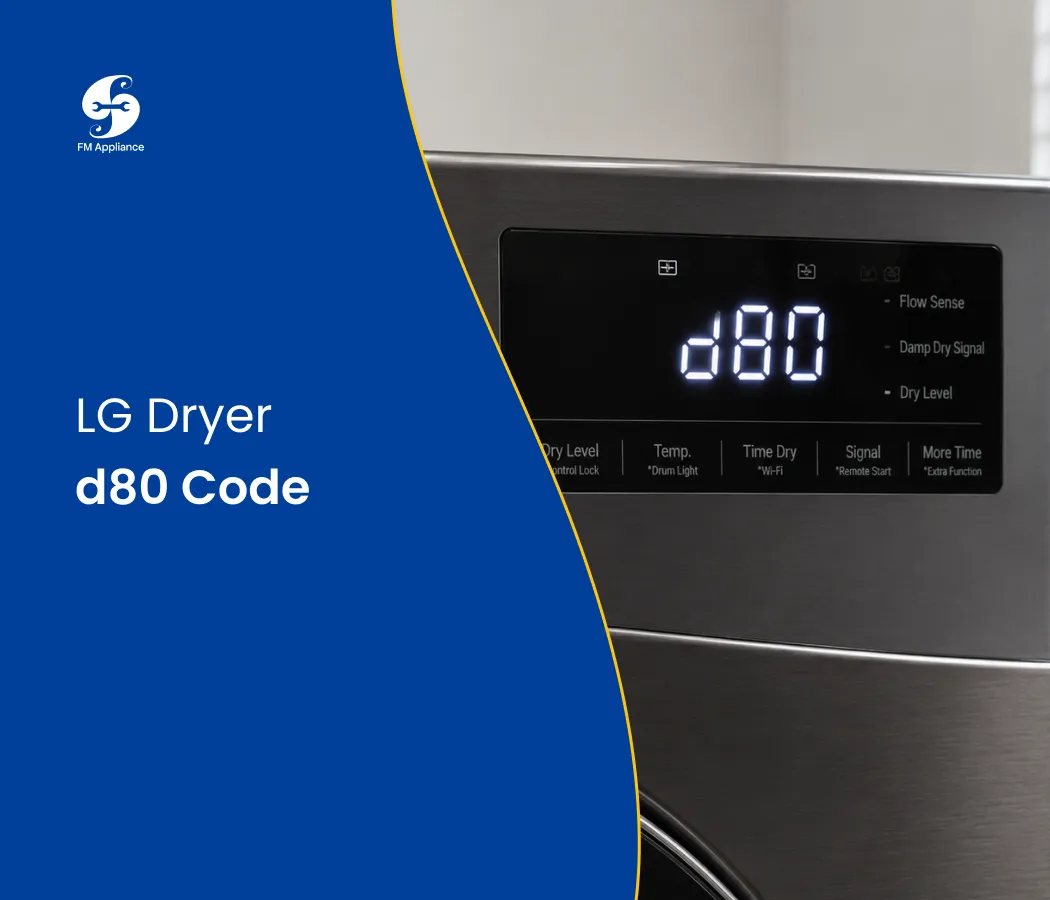
The LG dryer d80 code is an airflow alert. Specifically, it means the exhaust venting system is blocked by approximately 80%, preventing hot, moist air from escaping properly.
LG dryers display a range of flow-sense codes depending on how severe the restriction is:
d80 — 80% blockage; a serious warning
d90 — 90% blockage; act immediately
d95 — 95% blockage; the dryer may shut itself off to prevent damage
The d80 code on your LG dryer is not something to dismiss and keep running through. Blocked airflow is one of the leading causes of dryer fires in the home — and it also quietly wrecks your appliance over time.
What Causes the LG Dryer d80 Code?
Before you can fix the LG dryer d80 error, it helps to know what's causing it. The most common triggers include:
Clogged lint filter — the simplest and most frequent cause
Lint buildup inside the exhaust duct — accumulates gradually over months of use
Kinked or crushed vent duct behind the dryer
Blocked exterior vent cap — debris, lint, or even bird nests
Duct that is too long or has too many bends
Damaged or deteriorating flexible duct material
Any one of these can restrict airflow enough to trigger the d80 code on your LG dryer.
How to Fix the LG Dryer d80 Code
1. Clean the Lint Filter First
Whenever the LG dryer d80 code appears, the lint filter is always the first place to check. It's the quickest fix — and it's often all you need.
What to do:
Pull out the lint filter from inside the door opening
Remove lint by hand, then rinse under warm water to clear fine buildup
Allow it to dry fully before reinserting
Make it a habit to clean the filter after every single load
A clogged filter alone can reduce airflow enough to trigger the d80 alert on your LG dryer.
2. Inspect and Clean the Exhaust Duct
The exhaust duct carries hot air from your LG dryer to the outside of your home. Over time, lint accumulates inside — and when the buildup is severe enough, the d80 code appears.
What to do:
Pull the dryer away from the wall
Disconnect the duct from the back of the machine
Use a dryer vent cleaning brush or a long-hose vacuum attachment to clear lint from both ends
Reconnect securely and push the dryer back into position
While you're at it, check for any kinks or crushing in the duct — a common problem when dryers are pushed too close to the wall. Even a slight kink can restrict airflow enough to keep the LG dryer d80 code active.
3. Clear the Exterior Vent Cap
The vent cap on the outside of your home is where all that hot, moist air ultimately exits. If it's blocked, your LG dryer has nowhere to push air — and the d80 code is the result.
What to do:
Find the exterior vent (usually on an outside wall or the roof)
Remove any lint, debris, or nesting material blocking the opening
Make sure the flap opens and closes freely
Clean this area at least once or twice a year
This is one of the most overlooked causes of the d80 error on LG dryers — and one of the easiest to fix once you know to look for it.
4. Check Your Duct Length and Layout
LG dryers are designed to work within specific duct length limits. The longer the run — and the more turns it makes — the harder it is to maintain proper airflow. Exceeding these limits can permanently keep the LG dryer d80 code active, even with a perfectly clean duct.
General guidelines:
Maximum recommended straight duct length: 35 feet
Each 90° elbow reduces effective length by approximately 5 feet
Use rigid metal ducting wherever possible — flexible foil ducts trap lint and degrade faster
If your setup exceeds these specs, reconfiguring the duct run is the real fix. Check our preventive appliance maintenance tips for more guidance on keeping your dryer venting system in top shape.
5. Replace a Damaged or Deteriorating Duct
A damaged duct won't move air efficiently — no matter how clean it is. If your flexible duct is crushed, torn, or sagging, it may be the root cause of the d80 code on your LG dryer.
Signs your duct needs replacing:
Visible crushing or flattening behind the dryer
Holes or tears in the duct material
Sections that sag or collect standing moisture
Switch to a rigid or semi-rigid metal duct for better long-term airflow and lower fire risk. You can find genuine LG dryer parts and compatible ducting accessories to make sure everything fits correctly.
How to Reset Your LG Dryer After the d80 Code
Once you've addressed the blockage, here's how to reset the machine and clear the LG dryer d80 code:
Press Power to turn the dryer off
Unplug it from the wall outlet
Wait 30 seconds
Plug back in, power on, and run a short test cycle
If the d80 code doesn't return, the issue is resolved. If it reappears, there's still a restriction somewhere in the system that needs further attention.
Why You Shouldn't Ignore the LG Dryer d80 Code
It's easy to hit "ignore" and keep running cycles — especially when you're behind on laundry. But the LG dryer d80 code exists for a reason, and dismissing it comes with real consequences:
Fire risk — lint-clogged vents are a leading cause of home dryer fires
Longer drying times — loads take two or more cycles to dry, wasting energy
Overheating — internal components wear out faster under strain
Higher energy bills — an inefficient dryer works harder and costs more to run
Treating the d80 alert as a priority — not a nuisance — protects your home and extends the life of your appliance.
When to Call a Professional
If you've cleaned the lint filter, cleared the duct, and checked the exterior vent — and your LG dryer d80 code is still showing — it's time for a professional diagnosis. Consider calling a technician if:
The d80 code persists after a full vent cleaning
You can't safely access or inspect your duct run
The dryer is overheating, shutting off mid-cycle, or making unusual noises
You suspect internal damage to the blower wheel, thermistor, or heating element
Schedule a repair with our team and we'll find the root cause quickly — before it turns into a bigger problem.
Final Thoughts
The LG dryer d80 code is your machine's way of telling you it can't breathe properly. In most cases, a thorough vent cleaning clears the error and restores normal performance. But it's always worth taking seriously — both for the safety of your home and the longevity of your dryer.
Clean the lint filter after every load, inspect your venting system once or twice a year, and the d80 code should become a rare sight.

